Imagine needing to ask your doctor about a new rash that appeared after starting a prescription. You grab your phone, ready to text them, but hesitate. Is it safe? Will they see it? This is exactly where secure messaging is a HIPAA-compliant digital channel designed for exchanging protected health information between patients and providers steps in. It’s not just a fancy email; it’s a dedicated tool built specifically to handle sensitive details like your drug list, dosages, and side effects without the risk of data leaks. If you’ve ever felt unsure about how to properly communicate with your care team about your meds, this guide breaks down the process into simple, actionable steps.
Why Secure Messaging Beats Regular Texts for Meds
You might wonder why you can’t just use WhatsApp or standard SMS. The short answer is privacy. According to enforcement data from the Office for Civil Rights (OCR), 72% of healthcare data breaches stem from unsecured channels. When you send a photo of your pill bottle via regular text, that image becomes part of a public digital trail. In contrast, platforms like Epic MyChart is a leading patient engagement platform used by over 2,500 healthcare organizations to manage secure communications use end-to-end encryption. This means your message is scrambled on your device and only unscrambles when it reaches your provider’s secure inbox. For medication questions, this matters because your history is personal data. Using these tools also creates an audit trail, meaning every question and answer is logged. This documentation has been shown to reduce medication-related adverse events by 37% compared to relying solely on phone calls for non-urgent issues.
Setting Up Your Medication Profile Correctly
Before you type a single word, you need to ensure your profile is accurate. Many patients skip this step, leading to confusion later. Here is how to prepare:
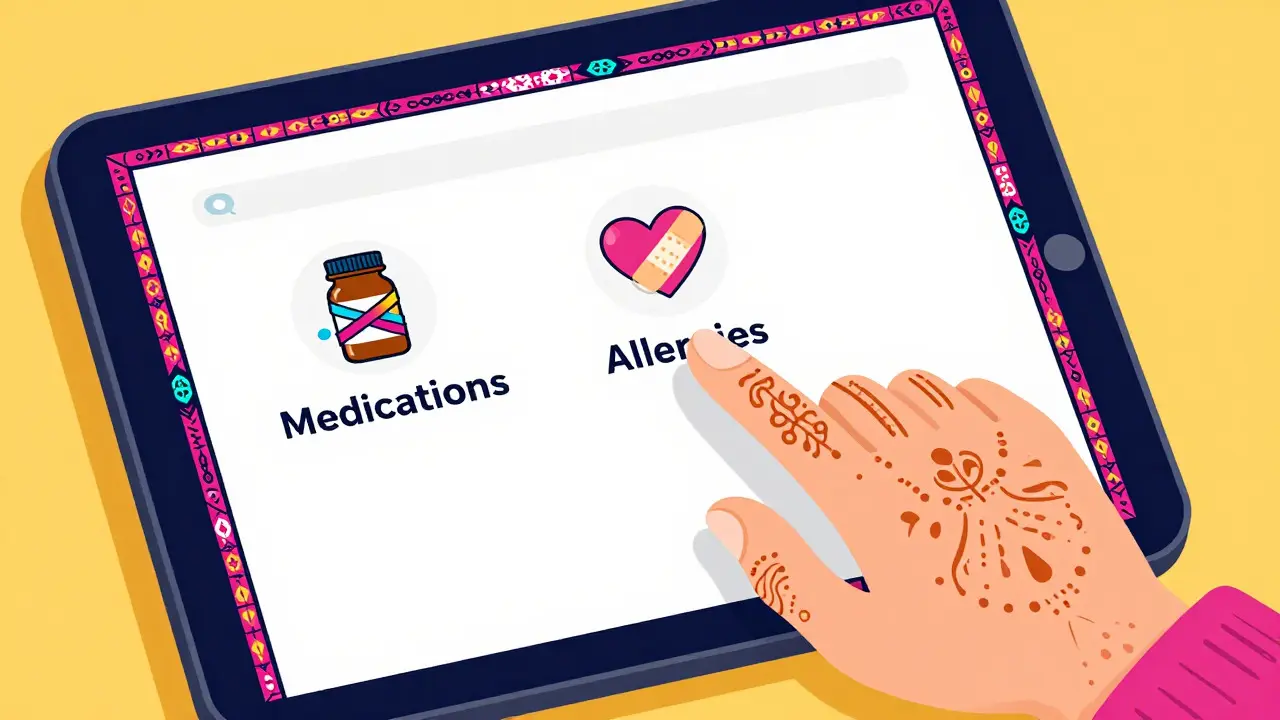
- Add your medications: Log into your patient portal and navigate to the 'Health Records' section. Look for 'Medications & Allergies.' Add every current prescription, including over-the-counter drugs you take regularly. This takes 2-5 minutes but reduces errors significantly.
- Verify dosage details: Make sure the strength (e.g., 10mg vs 20mg) and frequency (e.g., once daily vs twice daily) match your actual bottles. Clinicians rely on this data to give accurate advice.
- Check your notification settings: Most systems disable email notifications for medication messages to prevent accidental sharing. Ensure you have push notifications enabled on your mobile app so you don’t miss replies.
Getting this foundation right is crucial. If your record says you’re taking Lisinopril 10mg but you actually take 20mg, your provider might give advice based on the wrong dose. Accuracy here saves time and prevents miscommunication.
Crafting the Perfect Medication Question
The biggest mistake patients make is being vague. "My stomach hurts" isn’t enough. Dr. David Bates, a prominent figure in medical informatics, notes that including specific details in the subject line reduces clinician cognitive load by 32%. Think of your message as a mini-case report. You want to provide all the context needed so your provider doesn’t have to guess or call you back for clarification.
Here is a template you can copy and adapt:
- Subject Line: MEDICATION QUESTION - NON-URGENT - [Drug Name]
- Body: "Hi Dr. Smith, I started taking [Brand/Generic Name] [Dosage] [Frequency] last week. Since then, I’ve noticed [Specific Symptom]. It happens [Time of Day/Context, e.g., after eating]. Should I adjust my dose or stop taking it?"
- Attachments: If reporting a reaction, attach a clear photo of the medication label and any visible symptoms if relevant.
Notice the phrase "NON-URGENT." This is critical. About 14.7% of patients mistakenly use secure messaging for emergencies. By labeling your intent clearly, you help the triage team route your message correctly. If you have severe allergic reactions, difficulty breathing, or chest pain, do not message-call 911 or go to the ER.
Understanding Response Times and Expectations
One of the most common complaints is waiting too long. The typical response window for medication questions ranges from 24 to 72 hours. While this feels slow compared to a phone call, it’s often more efficient in the long run. A study published in the Journal of the American Medical Informatics Association found that despite the wait, patient satisfaction was 41% higher due to the documented nature of the exchange. You don’t have to repeat your story to three different nurses, and you have a written record of what was advised.
However, keep in mind that these are not real-time chats. If you send a message at 11 PM on a Friday, expect a reply by Tuesday morning. To speed things up slightly, some users report that including their pharmacy’s NABP number in refill requests cuts processing time in half. This allows the pharmacy team to verify insurance and stock levels without calling you.
Common Pitfalls to Avoid
Even with the best intentions, mistakes happen. Here are the top traps to watch out for:
- Using personal email: 18% of first-time users accidentally send PHI via personal Gmail or Outlook accounts. Always double-check that you are inside the official portal app or website before hitting send.
- Misclassifying urgency: Don’t use secure messaging for urgent issues. Systems often flag these as low priority, which can delay critical care. Reserve this channel for clarifications, side effect monitoring, and refills.
- Ignoring the 'Read' receipt: Some platforms show when a message is opened. If you haven’t heard back after 48 hours and your issue is becoming bothersome, it’s okay to send a polite follow-up referencing your original message ID.
| Method | Average Response Time | Privacy Level | Best For |
|---|---|---|---|
| Secure Messaging | 24-72 Hours | HIPAA Compliant | Non-urgent clarifications, refills, side effects |
| Phone Call | Immediate to 2 Hours | Variable (Verbal) | Urgent concerns, complex discussions |
| Standard SMS | Immediate | Low Risk of Breach | Appointment reminders only |

When to Switch Channels
Secure messaging is powerful, but it’s not a one-size-fits-all solution. Know when to pick up the phone instead. If you are experiencing a severe headache, dizziness, or signs of an allergic reaction, put the phone down and call your provider’s office directly. They can assess your situation in real-time and decide if you need immediate intervention. Similarly, if you are confused about how to take multiple medications together, a quick phone call might be faster than waiting for a written explanation. Use secure messaging for the "gray area" questions-the ones that aren’t emergencies but are too detailed for a quick voicemail.
Frequently Asked Questions
Is secure messaging really safer than texting my doctor?
Yes. Standard texts are not encrypted end-to-end and can be accessed if your phone is lost or hacked. Secure messaging uses AES-256 encryption and requires multi-factor authentication, ensuring that only you and your care team can read the content. This compliance is mandated by HIPAA regulations to protect patient privacy.
How fast should I expect a reply to a medication question?
Most healthcare systems aim to respond within 24 to 72 hours for non-urgent medication inquiries. While slower than a phone call, this timeframe allows clinicians to review your full medical history before responding, which often leads to more accurate and comprehensive answers.
What should I include in the subject line of my message?
Always include the words "MEDICATION QUESTION" and specify if it is "NON-URGENT." Adding the specific drug name helps route the message to the correct specialist or pharmacist. For example: "MEDICATION QUESTION - NON-URGENT - Metformin Side Effects."
Can I use secure messaging for prescription refills?
Yes, many platforms now have one-click renewal features or allow you to send a refill request via secure message. Including your pharmacy’s contact information can sometimes speed up the process. However, check if your specific system requires a separate form for refills.
What if I have an emergency while using the portal?
Do not use secure messaging for emergencies. If you experience severe allergic reactions, chest pain, or difficulty breathing, call 911 or go to the nearest emergency room immediately. Secure messaging is designed for asynchronous communication, not real-time crisis management.